
Amazon Prime phishing scam alert
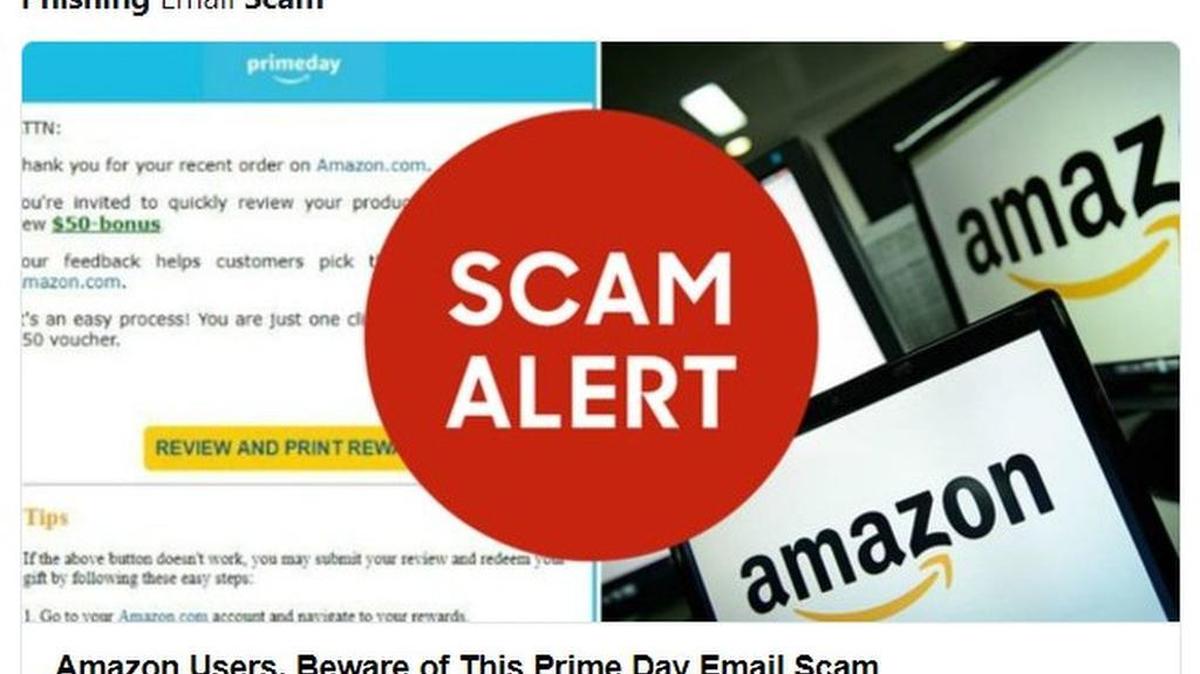
Amazon Prime members beware: There’s a phishing scam going around in which cyberfrauds thank you for your recent order on amazon.com and then offer you a $50 bonus for taking time to write a review of the product.
The email looks fairly legit. But don’t believe it, says consumer tech columnist Kim Komando.
#Amazon Prime Day phishing scam spreading now! Here's what to look out for #TechNews #HappeningNowhttps://t.co/Eh7157KHnH pic.twitter.com/QTLOhcj7q8
— Kim Komando (@kimkomando) August 23, 2017
A link to the reward in the email takes you to a fake Amazon page that asks for login credentials and then subjects you to malware or possibly ransomware, says Komando, who has a popular tech radio show and is a columnist for USA Today.
Here’s the one Komando says she received:
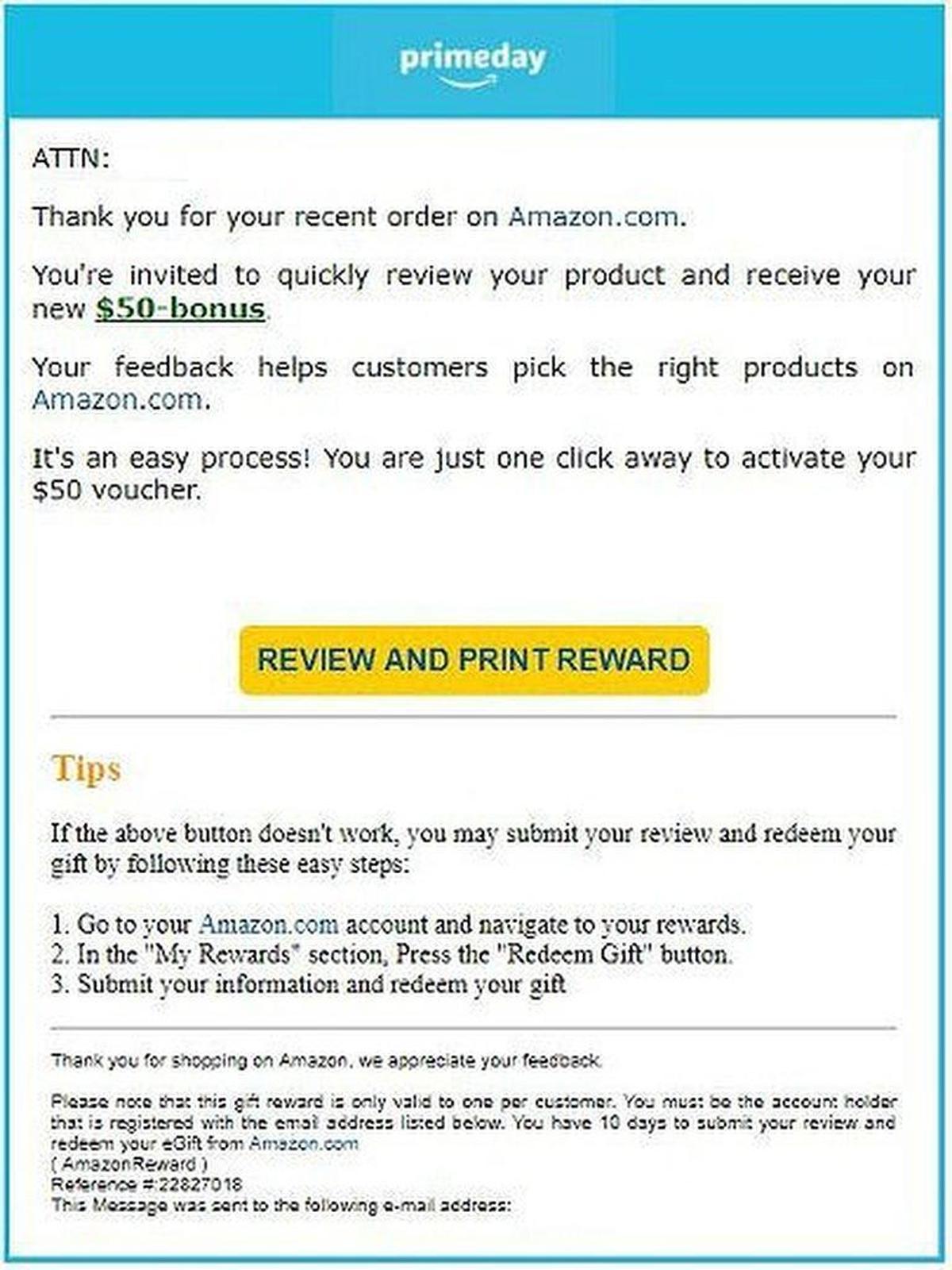
One telltale sign in the email is the awkward wording in small type at the bottom: “Please note that this gift reward is only valid to one per customer.”
But you might not get to that, which is below the REVIEW AND PRINT REWARD button in bright yellow.
If you’re suspicious about any such correspondence, go to the “From” line in the email, and if it’s from an email account other than, in this case, @amazon.com (john_doe@example.com.ur, for example), delete it.
Amazon has a list of tips on its website for identifying and reporting bogus emails. Among them:
- If you get an email regarding an order you didn’t place, it wasn’t from amazon.com. Send the e-mail as an attachment to stop-spoofing@amazon.com.
- If you’ve opened an attachment or clicked on a link from a suspicious email, go to Forgot Your Password and change it immediately. (See more at Protect Your System.)
Tom Uhler: 817-390-7832, @tomuh
Suspicious emails claiming to be from Amazon often contain:
- An order confirmation for something you didn’t buy or an attachment to an order confirmation.
- Requests for your amazon.com username and/or password or other personal information.
- Requests to update payment information.
- Links to websites that look like amazon.com but aren’t Amazon.
- Attachments or prompts to install software on your computer.
- Typos or grammatical errors.
- Forged email addresses to make it look like the email came from amazon.com.
Source: amazon.com
This story was originally published August 24, 2017 at 3:17 PM with the headline "Amazon Prime phishing scam alert."